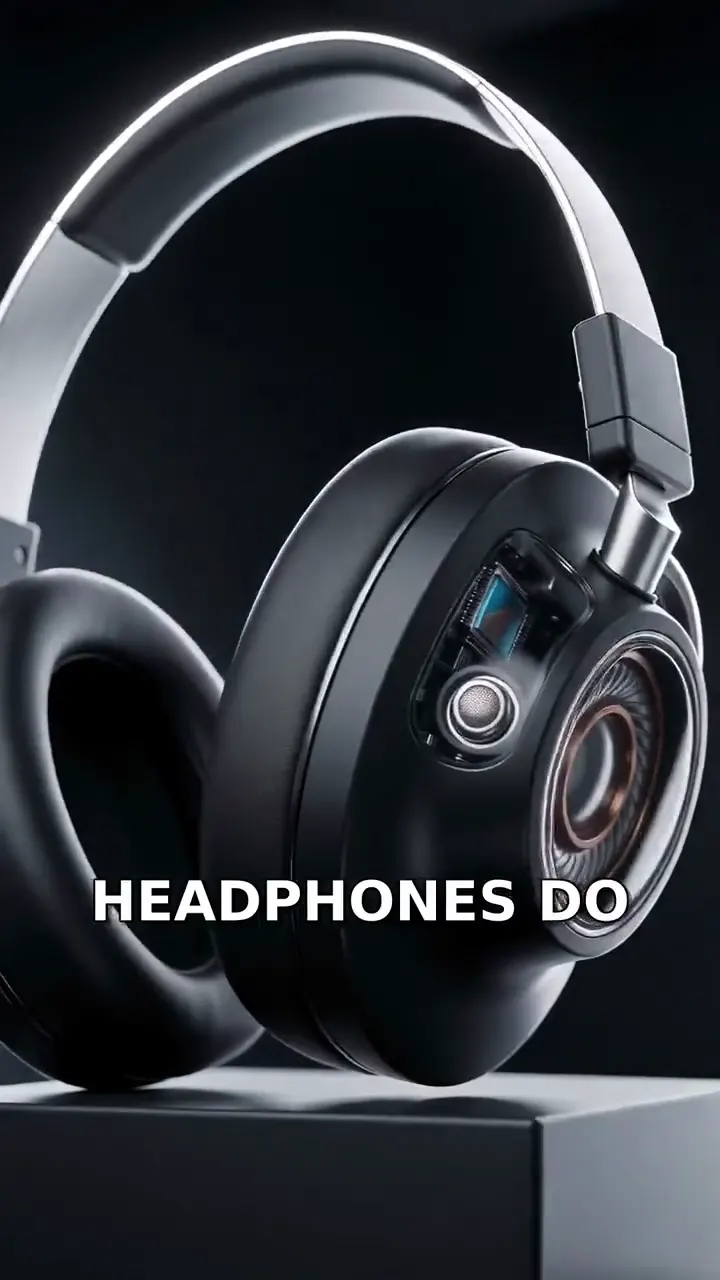
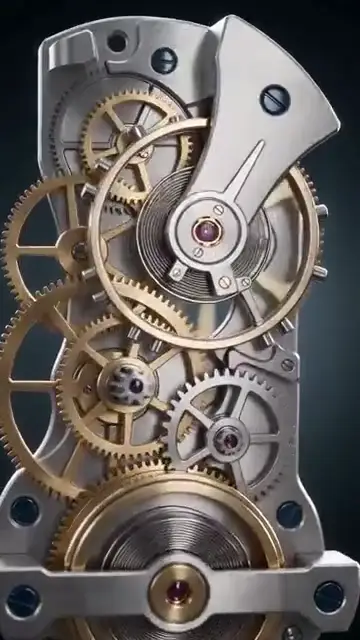
Explainer · 3D, Tech: A glossy 3D render of over-ear headphones, showing how noise cancelling works.
AI influencer
AI influencer, Lifestyle: Maya, an AI influencer, shares a two-minute morning habit to camera.
UGC hook
UGC hook + reaction, Coffee: A creator reacts, sceptical then sold, to a hook about coffee that is not bitter, then shows the bag.
Explainer, clay
Explainer · Clay, Cooking: A clay-style explainer: how sourdough rises as yeast makes gas bubbles.
Product ASMR
Product ASMR, Coffee: Close-ups of a coffee bag opening and beans pouring into a grinder.
Explainer, 3D
Explainer · 3D, Tech: A 3D explainer: how noise-cancelling headphones play the opposite sound wave.
Remix
Remix, Tech: A winning Short about USB port colours, remade with new footage and captions.
AI influencer
AI influencer, Tech: Kenji, an AI influencer, explains how to check your phone battery health.
B-roll
Product b-roll, Coffee: A bag of whole-bean coffee comes alive with a short caption.
Made with Brandsmith
Every video here was made in the app. A card plays when you point at it or when it passes the middle. Press its speaker for sound.
Explainer, 3D
Explainer · 3DTechA 3D explainer: how noise-cancelling headphones play the opposite sound wave.
UGC hook
UGC hook + reactionCoffeeA creator reacts, sceptical then sold, to a hook about coffee that is not bitter, then shows the bag.
AI influencer
AI influencerLifestyleMaya, an AI influencer, shares a two-minute morning habit to camera.
B-roll
Product b-rollCoffeeA bag of whole-bean coffee comes alive with a short caption.
Remix
RemixTechA winning Short about USB port colours, remade with new footage and captions.
Explainer, clay
Explainer · ClayCookingA clay-style explainer: how sourdough rises as yeast makes gas bubbles.
AI influencer
AI influencerTechKenji, an AI influencer, explains how to check your phone battery health.
Product ASMR
Product ASMRCoffeeClose-ups of a coffee bag opening and beans pouring into a grinder.
Explainer, 3D
Explainer · 3D, Tech: A glossy 3D render of over-ear headphones, showing how noise cancelling works.
See it in a minute
Find a winning video, make more like it, approve, post, and see what won. Press play for sound.
Product tour
Product tourA one-minute tour: find a winning video, make more like it, approve, post, and see what won.Read the transcript
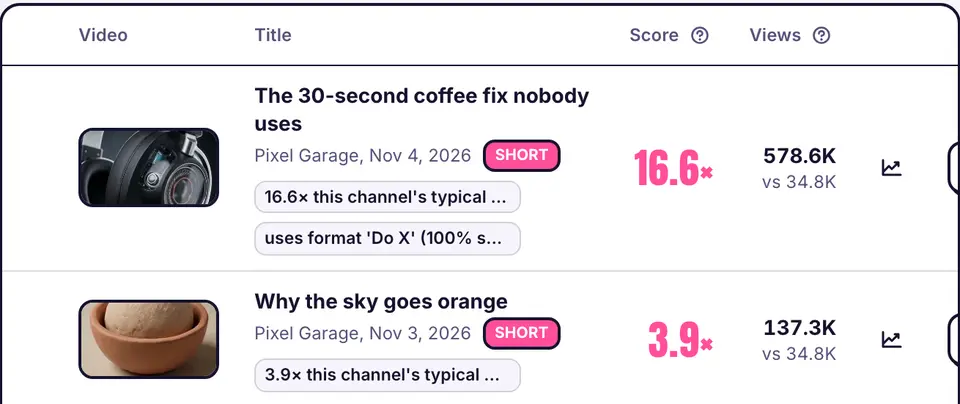
This video beat its channel by sixteen times. Brandsmith found it this morning, while watching eighteen channels in your niche. It shows you why it won: the opening hook, the title pattern, and the thumbnail style that winners share. Make more like it. Clips cut from a long video. Explainers in a dozen styles. AI influencers that talk to camera. Remixes of what already works. You see the price in credits before you start, and you pay for what is made. Approve in Review. Watch the clip, pick a cover, press Approve. It posts to YouTube, TikTok and Instagram at the times you set. Then it shows you which posts won, and why. This month, question titles beat statements two to one, and bold captions kept people watching longer. Find what wins. Make more of it.
How it works
Find
See the videos that beat their channel's usual views, and the hook, title and thumbnail behind each one.
Top find this month: 16.6× its channel
Make
Cut a long video into Shorts, or make an AI video in a format that works. You see the credit price first.
13 explainer styles
Review
Every video waits for you. Watch it, pick a title and a cover, then approve or reject it.
Nothing posts without you
Post
Approved videos go on the Calendar and post at the times you set, with several accounts on each platform.
3 platforms
Learn
Each post gets a score at day 7 against your usual views. Test two titles or two covers and keep the winner.
Scored at day 7
Everything in one app
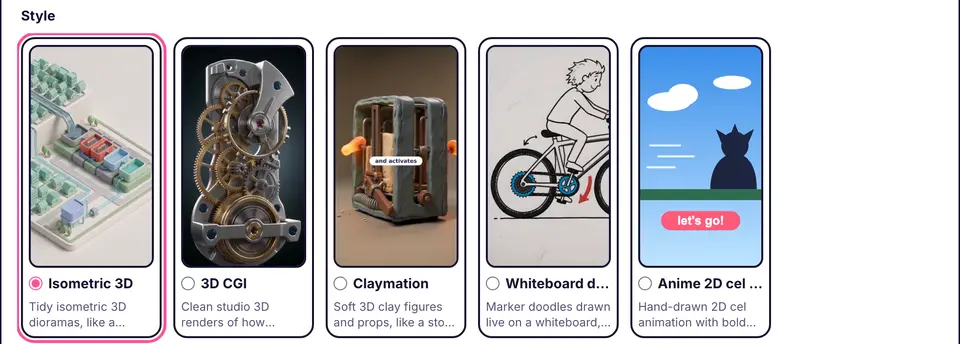
Explainers in 13 styles
A voiced explainer of how something works, with big captions and a music bed. These previews come straight from the app.
3D CGI
Claymation
Paper cutout
Anime 2D cel
Blueprint
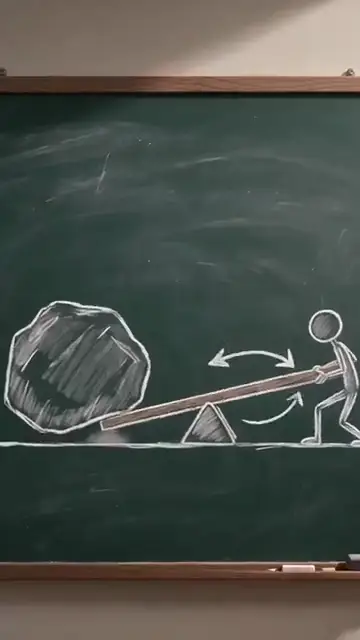
Chalkboard
AI influencers
Pick a face from the library or make your own. Same face and voice in every video, and every post is labeled as AI.
Maya
MayaLifestyleMaya, an AI influencer from the library.
Tyrell
TyrellGamingTyrell, an AI influencer from the library.
Sofia
SofiaFashionSofia, an AI influencer from the library.
Kenji
KenjiTechKenji, an AI influencer from the library.
Clips
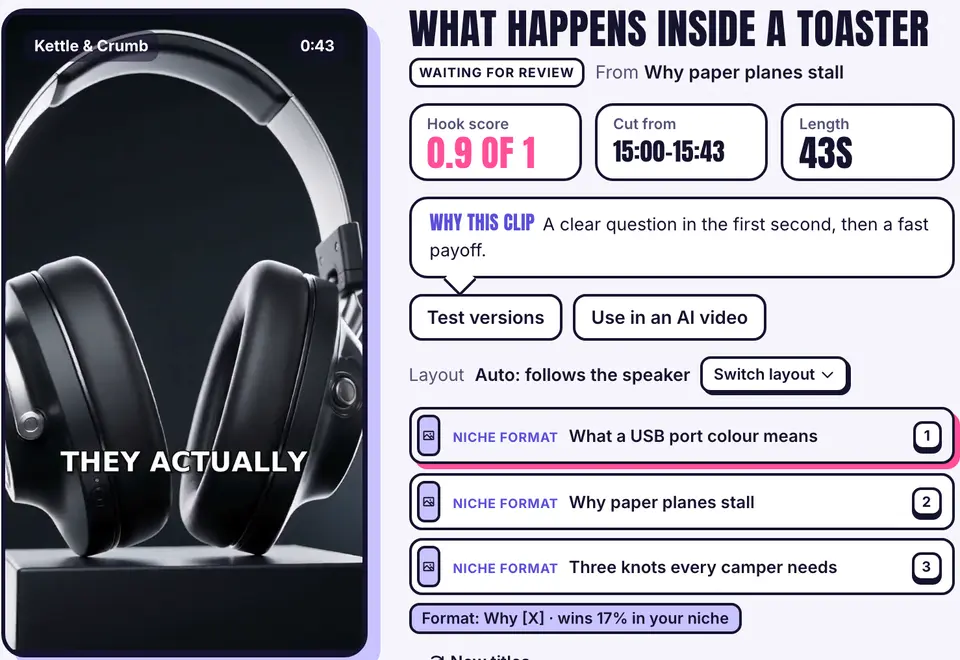
Paste a YouTube link or upload a long video. Brandsmith finds the best moments and cuts 9:16 Shorts with captions.
YouTube links
Your uploads
Remix
Take a Short that won and make it new: the same hook and pacing, with new footage, words and voice.
Product videos
Turn a product photo into a short video for your shop.
B-roll
Product ASMR
Talking head
Video editor
Change captions, beats, voice and music. Make covers and AI thumbnails. Pick Draft, Standard or Premium.
Captions
Voice
Music
Covers
Agents via MCP
Connect your AI assistant through the agent API (MCP). It can find, make and schedule, and it asks before it spends credits.
How it compares
What you get
Brandsmith
An editing agency
A freelancer
Doing it yourself
Finds winning videos
✓Yes. Scores every video against its channel
~Partly. Some agencies research trends
✗No. You bring the ideas
~Partly. Hours of scrolling
Makes the videos
✓Yes. Clips, explainers, UGC, influencers and remixes
✓Yes. A team of editors
✓Yes. One editor
~Partly. You edit every one
Cost per video
✓Yes. Credits, with the price shown before you start
✗No. A monthly retainer
~Partly. A fee quoted per video
~Partly. No fee, but it costs your time
Time to first video
✓Yes. Minutes
✗No. Days to weeks, after onboarding
~Partly. A few days
~Partly. Hours per video
Posts and learns what worked
✓Yes. Posts to 3 platforms and scores each post at day 7
~Partly. Posting varies, reports monthly
✗No. Hands you the files
~Partly. By hand, in a spreadsheet
Pay for what you make
Brandsmith runs on credits. New accounts start with free trial credits.
Prices in US dollars. Yearly shows the cost of twelve months. Plans can change before launch.
Questions
How do credits work?
Each job that makes something uses credits, for example a clip run, an AI video or a voice. You see the price before you start. Credits are held when the job starts and come back if it fails.
What does one video cost?
It depends on the format and the quality you pick. The app shows the credit price before every job, and Draft costs less than Premium.
Who can sign up?
Anyone with a Google account. Press Get started and sign in. Your workspace is ready at once, with free trial credits. One account gets one trial.
Can I use my own videos?
Yes. Upload a long video, or paste a YouTube link, and Brandsmith cuts it into Shorts.
Which platforms does it post to?
YouTube, TikTok and Instagram. You can connect several accounts on each.
Does anything post without me?
No. Every video waits in the Review queue until you approve it. You can reject it, undo a decision, or cancel a scheduled post.
Do you label AI-generated people?
Yes, always. A video with an AI influencer says so in its caption, and Brandsmith turns on the AI label on each platform. An AI influencer never poses as a real customer.
Do you copy other people's videos?
No. Brandsmith reads public numbers, such as views and titles. Remix copies a video's structure: the hook, the order of the beats and the pacing. It makes new footage, words and voice. To clip a video, you need permission to use it. See the terms.
Can an AI agent use Brandsmith?
Yes. Connect your AI assistant or your own scripts through the agent API (MCP), with a personal token. It asks you before it spends credits.
What happens to my data?
We keep what you need to run your account: your sign-in, brands, uploads and posts. Source videos are deleted after 7 days. We do not sell your data. The privacy policy has the details.
Start making what wins
Add a niche or paste a video link. Your first clips are ready for review in minutes.